
- Client
- BOIT Cyber Security s.r.o.
- What we did
- Website development from the client’s design, content management system, deployment on Azure
- Tech stack
- Next.js, Payload CMS, PostgreSQL, Azure
- Website
- boit.cz
The clientWho is BOIT and what did it need from a new website?
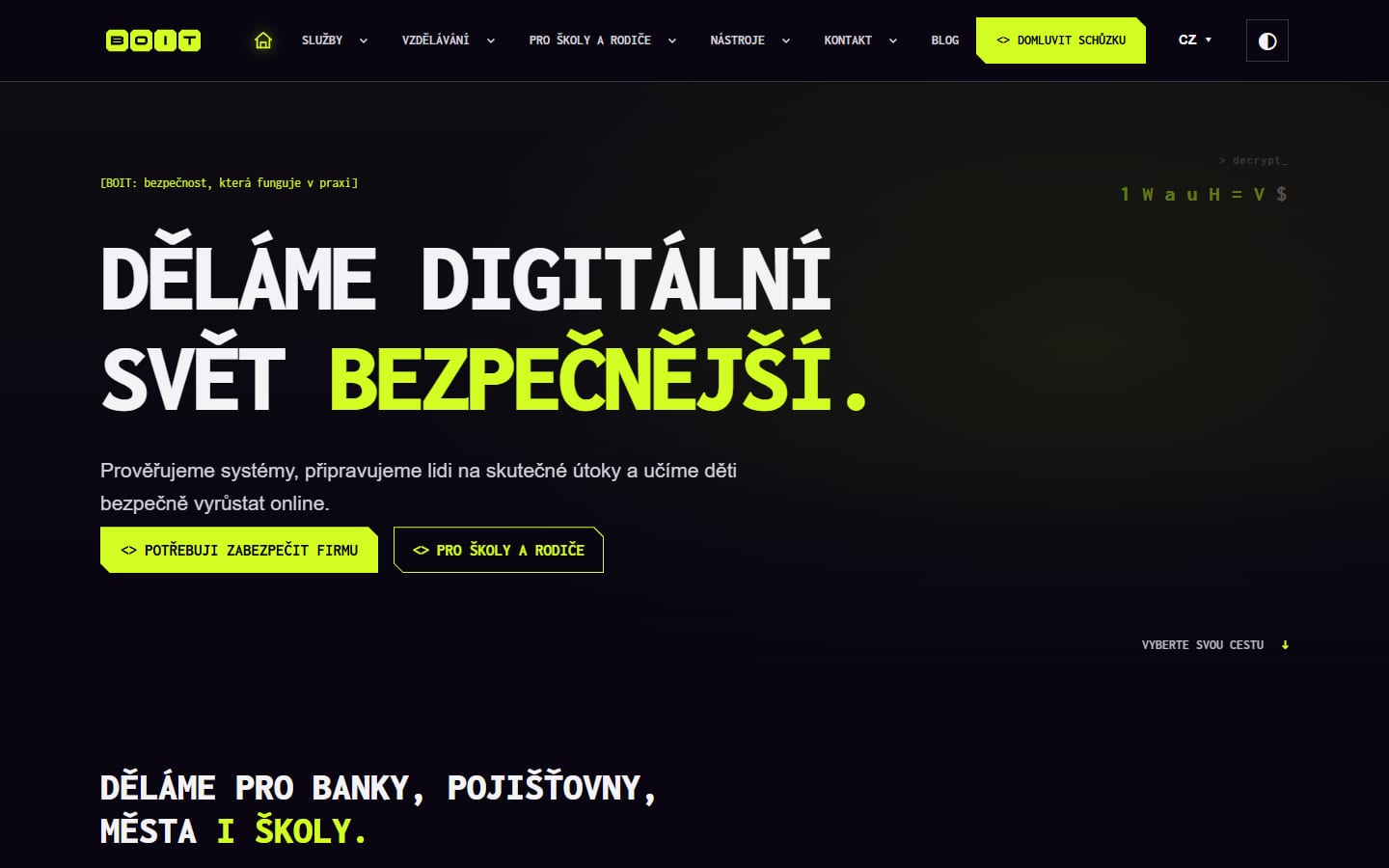
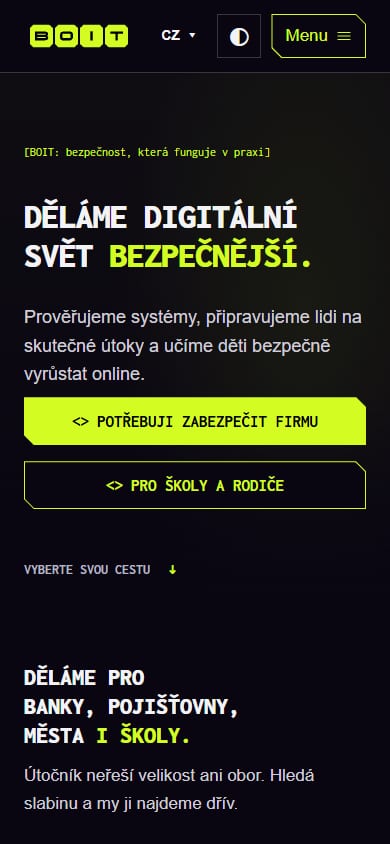
BOIT is a Czech company that tests how well systems and people are prepared for an attack. It runs penetration tests, simulated phishing and other social engineering tests, helps companies with NIS2 and trains employees, management and IT administrators. It has its own programs for schools and parents, and its website offers free tools such as a password generator and a suspicious link checker.1,2,3
The old website ran on WordPress. Elementor Pro built the pages, JetMenu the menu, WooCommerce sold webinars, Download Monitor handled downloads, Yoast did SEO, Jetpack kept the change history and Google Site Kit the analytics.20 Seven plugins, seven sources of updates and seven places where something can go wrong. For a company that teaches others about security, that was a problem.
The brief came down to five requirements:
- Marketing without a developerThe marketer runs the whole site herself: the logo, the menu, pages and their sections, articles, categories and tags. No waiting for a developer.
- A design that can’t be brokenBOIT supplied the visual design as a finished template. The website has to follow it exactly, even when the content is edited by someone with no design experience.
- Model securityAs the project’s internal rules put it, a website about security has to set the example. No keys in the code, security headers, dependency checks.20
- Everything on AzureHosting, database, files, code, tasks and deployments in Azure, with access for people from BOIT’s company tenant.
- Two languages, two modesCzech and English, light and dark mode, fast loading on mobile.
ArchitectureWhy Next.js and Payload rather than another WordPress site?
Because one application with one database is easier to monitor, back up and deploy than a website assembled from plugins. Before choosing the CMS, we looked at eight candidates: Payload, Wix, Storyblok, Sanity, WordPress with Gutenberg, Webflow, Strapi and Directus.20 Payload won. It is open source, runs directly inside Next.js, and the admin lives at /admin in the same application.6,7 No extra service, license or data sync between systems.
| Part | Choice | Why |
|---|---|---|
| Applicationwebsite and API | Next.js in TypeScript | Website and API in one project, a large community, fast pre-rendered pages |
| CMScontent management | Payload CMS inside Next.js | Open source, free, content and data in one database |
| Databasecontent and data | Azure Database for PostgreSQL | A managed database at Microsoft with backups included |
| Filesimages and PDFs | Azure Blob Storage | Low-cost storage that Payload supports natively |
| Hostingoperations | Azure App Service | Runs the website, CMS and API together, custom domain and HTTPS included |
| Developmentcode, tasks, deployment | Azure DevOps | Repository, tasks and pipeline in one place in the client’s tenant |
Content managementHow can marketing change the site without breaking it?
By building pages from ready-made sections. We took the recurring elements from the design and turned each into one component with variants: a hero, a card grid, testimonials, pricing, steps, FAQ, team, a client logo strip and more. There are now more than twenty of them. The marketer picks a section, fills in the text and chooses a variant. Design tokens control colors, fonts and spacing, so the page looks like the rest of the site.20
Every plugin from the old site got a replacement inside the application:
Elementor Pro and JetMenu Replaced
Pages built from blocks in Payload, and the header with its mega menu as a single setting. Page templates, plus a custom HTML block for anything outside the catalog.
Yoast SEO Replaced
SEO fields on every page and structured data generated from the content, including language versions for Google.
Jetpack Activity Log Replaced
A custom change log: every record shows who added and edited it, when, and what it looked like before.
Google Site Kit Replaced
Custom anonymous, cookie-free traffic measurement. Google Analytics only turns on when the visitor agrees.19
One technical decision is worth a mention. Page sections are stored in the database as a single document, not across dozens of tables. Loading a page takes one query, and a new section type needs no new table. Blocks with many fields used to run into Postgres limits.20
SecurityHow do you build a website for a company whose business is security?
So that security doesn’t depend on whether someone happens to remember it. That’s why we put most of the rules into an automated pipeline. Every push to the main branch goes through the same checks, and if anything fails, the deployment stops.9
security headers come with every page on boit.cz: CSP, HSTS, protection against framing by other sites and more. We verified them in production.11,12,13
keys and passwords in the repository. They live only in the Azure configuration and in pipeline variables.
is how long the pipeline may take from push to deployment. A change that makes it longer doesn’t get pushed.
What the pipeline checks:
- The supply chain. npm packages are installed without running their install scripts; only a few verified ones are rebuilt afterward. Install scripts are a common route for supply chain attacks.15
- Vulnerabilities. A new critical vulnerability in the application’s production dependencies stops the deployment.14 Renovate prepares dependency updates, and they go through the same tests before they are merged.10
- The database. The pipeline detects a schema change without a migration and stops it. Code that doesn’t match the data never reaches production.
- Quality. Type checks, linting and automated tests run in parallel to stay within the limit.
PaceHow fast was it, and what did AI do?
BOIT approved the plan on October 15, 2026, and a skeleton of the application and a deployment pipeline to Azure were up the same day. Four days later, all 32 pages of the design were in the CMS in Czech and English, with breadcrumbs and SEO, plus the article, category and tag collections for the blog. The first six days produced 82 commits.20,21
AI helped us get there. The project has an AGENTS.md file with rules that Claude Code, GitHub Copilot, Cursor and other assistants read, and more than twenty shared guides (skills) for recurring tasks: design, deployment, accessibility to the WCAG 2.2 AA standard, SEO, security.21,24,25 The assistant works to the same rules as a person and doesn’t invent its own departures from the design.
Every change is also reviewed by four roles: architect, security, UX, and performance and cost. These reviews aren’t done by eye; each one has its own checklist in the repository. AI speeds up writing code and makes quality control more thorough. It doesn’t replace it.
The resultWhat can the new website do and how is it doing?
The site now has 84 public pages in two languages, six interactive tools and a blog. In Lighthouse it scores 100 for accessibility, best practices and SEO, and the page doesn’t shift while loading.1,18
pages in the sitemap: 43 in Czech and 41 in English, with linked language versions.4
points in Lighthouse for accessibility, best practices and SEO. Performance on simulated mobile ranged from 85 to 96.22
The site is also ready for AI search. Structured data describes the company and its services, robots.txt explicitly allows AI assistants’ search crawlers, and every page has a description and a sharing image.5,23 According to the plan, the next phase adds sign-in with work and personal Microsoft accounts and payments for courses through Stripe.
“Working with Develogi went smoothly and everything was done on schedule. The guys responded quickly and came up with good ideas of their own.”
Pavel Matějíček, aka Spajk.cz, founder and CEO of BOIT (translated)26